Scan to find a candidate, read the back to confirm it, then research sales of that exact version. A photo match is the start of the price check.
Put this guide to work
Use the details you have confirmed to research your card. Leave uncertain fields unconfirmed.
Research your card →Start with one card, not the whole pile
You have a stack of baseball cards and want to know which ones deserve a closer look. Start with a card whose name and number you can read. It is easier to spot a bad scanner result on that card than on a faded card you know nothing about.
For the first photo, put one card on a plain background, keep its edges inside the frame and avoid a bright reflection across the name. These are practical photography steps, not a promise that any particular app will recognize it. If a sleeve catches glare, change the light or angle before handling the card again.
Keep the information visible
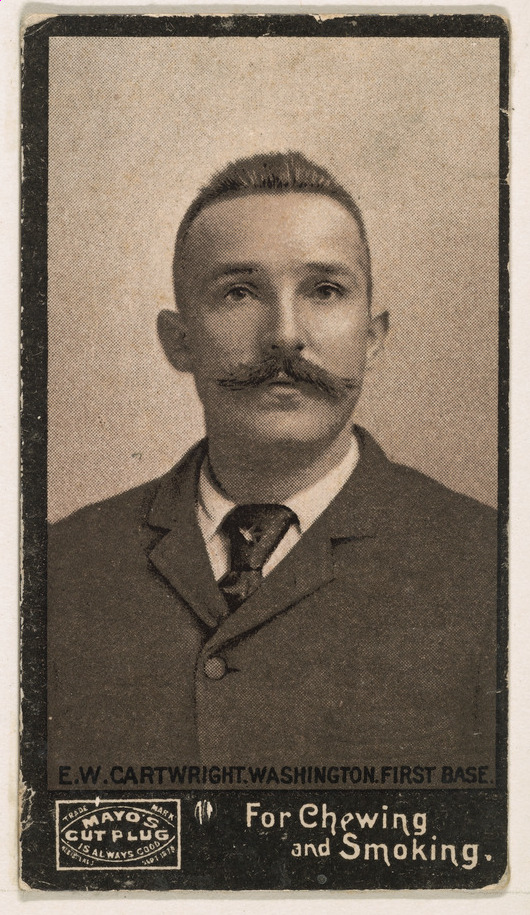
Write down what the camera cannot settle
Once a candidate appears, turn the physical card over. Compare the printed card number, product name and year with the result. A familiar player photograph can turn up on several products; a close-looking front is not enough.
Treat a stamp such as 12/99 separately from the checklist number. The stamp describes an individual copy and its numbered run; it should not replace the card number in your search. Also record a visible autograph or memorabilia feature instead of letting it disappear into a generic player match.
Check the shiny part before checking the price
A base card and a parallel may share the same player and checklist number. If the scanner names a Refractor, verify that finish against the correct product reference. Tilt the card under ordinary light and inspect the reverse. Do not choose the most expensive candidate because its photograph looks bright.
If you cannot settle the parallel, save the match as provisional. Researching the ordinary base issue can help you learn the design, but its price is not a substitute valuation for an unresolved parallel.
Turn the confirmed identity into a sold search
Build a query from year, product, player, card number and confirmed parallel. Add the grading company and grade only when the card is actually graded. For an unslabbed copy, start with other unslabbed copies in comparable visible condition.
Open the useful results. A headline price can belong to a multi-card lot, a different variation or an already graded copy. Keep those out of the comparison group. Record sale date, currency, item price and visible shipping separately so you can explain what you compared.
Where scanning ends and research begins
eBay currently describes its card-scanning feature as US-only and available in its app; availability was checked on 25 October 2026. Its own pricing explanation also notes that condition, timing and demand can change the outcome. An identification result does not promise what your copy will sell for.
WhatsMyCardWorth’s web checker does not upload or scan photographs. It builds research searches and offers catalog and sales research where available. Carduno is our related app, linked from this site for a separate scanning workflow. That relationship is a reason to examine the result carefully, not a reason to trust it without checking.
Before moving to the next card, save a short note: confirmed identity, raw or graded, accepted sales and anything unresolved. That note is more useful later than a screenshot containing only a large estimated price.
Baseball cards listings to inspect
These Baseball cards listings can include different releases, parallels and grades. The seller’s title is not an identity check. Listing prices are not sold comps or an appraisal for this page’s version.
Loading current eBay listings…
Listings delivered by our related Carduno service. Asking prices are shown for context, not used to calculate card value. Photos remain hosted by eBay. No affiliate tracking is added by this website.
Compare listing photos and completed sales
Search: baseball trading card single. Check the exact version, grade and photos in each result; these searches can include mismatches.
Active asking prices are not completed-sale values. Results open on eBay; this is not an embedded or live inventory feed. No affiliate tracking is added to these links.
FAQ
Can I scan a baseball card and get an exact value?
A scan can suggest an identity. A useful price estimate still needs the correct version, condition and relevant recent sales; there may not be enough evidence for a narrow range.
Can I scan a card on this website?
No. The WhatsMyCardWorth web checker is a research tool, not a camera scanner. The separate Carduno app is a related product.
Related guides
Sources
Product details and dates were checked against these primary sources. Manufacturer descriptions are evidence, not market prices.